



November 20, 2024
The Essential Guide on How to Sign Contracts Online
Are you running an online business and tired of the paper-contract hassle? Let’s take a look at how online contract signing is revolutionizing how we handle business agreements. ⬇️
Can we talk about how amazing it is that we’re running entire businesses from our phones and laptops these days? Gone are the days of printing papers, running to FedEx, and praying your documents don’t get lost in the mail! Now, you can literally sign a contract for a new client project while sitting in your favorite coffee shop. ☕
However, doing business online is not all rosy. Sometimes, running an online biz has its moments of pure chaos. And dare I say, contract signing used to be one of them. You would agree with me if you’ve ever tried printing a document only to realize you’re out of ink with a deadline staring at you. ????Well, that’s one less thing to worry about thanks to digital contracts.
But here’s the thing. Embracing digital solutions isn’t just about making our lives easier (though that’s a massive bonus). It’s also about being smart with our resources, our time, and yes, our sanity. Electronic contracts have literally transformed how we run businesses. But, you can only maximize its benefits when you know how to proceed with signing online contracts.
That’s why, today, I’m sharing this guide on how to sign contracts online easily and legally.
A Guide on How to Sign Contracts Online
Look, I get it. When you’re just starting a business, figuring out the legal side of things can feel overwhelming. And it doesn’t get any easier when you find yourself in a completely new terrain, like transitioning to signing contracts online. That’s right! Doing new, unfamiliar things isn’t always fun!
But here’s the thing: signing contracts online doesn’t have to be scary or complicated. In fact, it’s become such a game-changer for countless businesses and their owners. That’s why I’m SO excited to tell you about it!
In subsequent sections, I’ll be walking you through everything you need to know about online contract signing. We’ll start by discussing whether online contracts are even legal. Then, we’ll touch on best practices to keep you and your business protected, and more.
But, that’s not all! I know exactly how all the legalese can have you feeling lost in a legal maze. That’s why I created the Ultimate Bundle® to make this whole process much easier for you. Think of it as your digital legal assistant, as it’s packed with everything you need to handle contracts without any hitch.
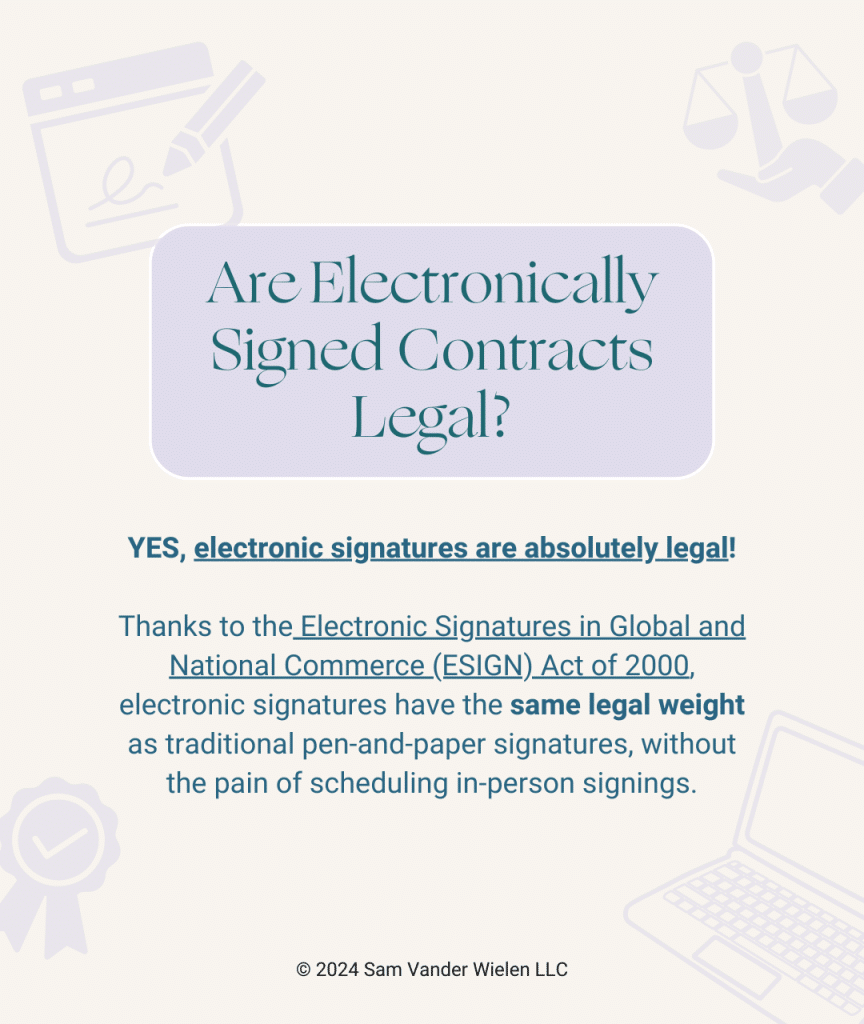
Are Electronically Signed Contracts Legal?
YES, electronic signatures are absolutely legal! Thanks to the Electronic Signatures in Global and National Commerce (ESIGN) Act of 2000, electronic signatures have the same legal weight as traditional pen-and-paper signatures, without the pain of scheduling in-person signings. But, wait there’s a catch.
For your electronic signature to be valid, you need to make sure a few key things are in place. First, all parties need to intend to sign electronically. This is a no-brainer! Signing a contract is like putting a legally-binding seal on an agreement. So, by all means, all parties involved must be willing to put pen to paper, digitally, of course.
Moving on, you also need to have a system that clearly shows who signed what and when. This is actually one of the reasons I included comprehensive contract templates in my Ultimate Bundle®. I’ve seen too many amazing business owners get stuck using sketchy contracts that wouldn’t hold up if things went sideways. With this great resource, you can be rest assured that your contract and legal ducks are in a row.
Check out this post for more on what makes a contract legally binding.
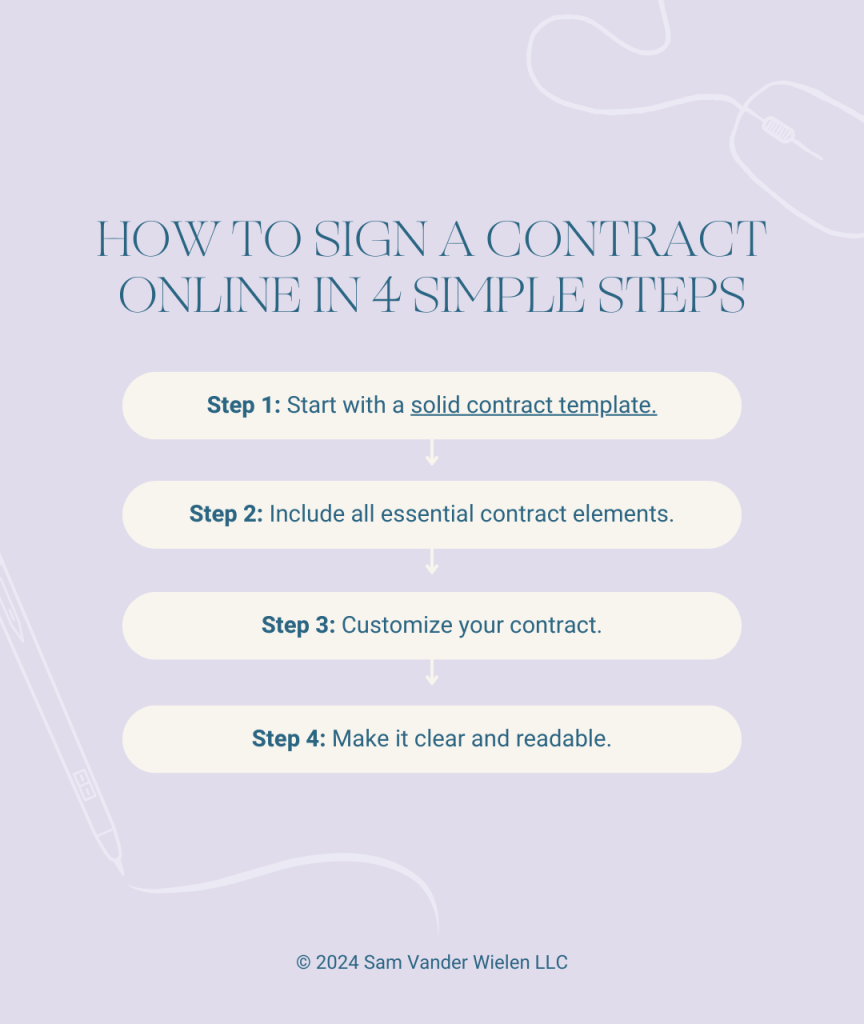
How to Sign a Contract Online in 4 Simple Steps
Alright, friends. Let’s break down how to sign a contract online into actionable steps! Here’s exactly what you need to do:
Step 1: Choose a reliable e-signature platform.
Listen, not all digital signature platforms are created to function in the same manner. You want something that’s secure, professional, and won’t ghost you when you need support. Some good platforms that you may want to check out for the purpose of electronic signatures include DocuSign, HelloSign (now Dropbox Sign), and Adobe Sign. This trio is trusted, user-friendly, and won’t break the bank. Plus, they all offer free trials, so you can test drive before committing.
Check out how to use HelloSign to streamline your contracts here.

Step 2: Prepare your contract document.
This is where having solid contract templates (like the ones in my Ultimate Bundle®) comes in clutch. Upload the contract in PDF format. Word docs can get messy real quick. Just ensure your document is completely finalized before uploading in PDF format. That’s because trying to edit after sending is like trying to put toothpaste back in the tube. Even if you manage to get it done, it won’t be pretty and can be time-consuming.
Step 3: Add signature fields.
This is probably the most important step! But, not to worry, it’s probably the easiest, too. Your e-signature platform will let you drag and drop signature fields exactly where you need them. However, when drafting the contract, it’s advisable you don’t stop at signature spots. Rather, include date fields, boxes for important clauses, and any other fields your contract needs. You can even add a checkbox for your clients to confirm they’ve read the terms.
Step 4: Send and track your contract.
It’s time to hit that send button. Add your client’s email, maybe a personal note (I love throwing in something like “Excited to make this official!”), and send it to their respective email addresses. Even better, the platforms I mentioned earlier will send you notifications when your client views and signs the document. So, you won’t need to refresh your inbox every 5 minutes.
Remember, running an online business doesn’t have to be complicated or scary, especially when it comes to the legal stuff.
Unless you had a lawyer walk you through everything your online business needs, chances are you’re missing something. That’s totally normal! But you do need to take it upon yourself to fill in those gaps. Download what you need from my online shop right now. Or get your entire legal foundations handled using the Ultimate Bundle® right here.
When it comes to online business, you already know… you can’t be sketchy about it! Start getting your foundations in place today so you can stop operating illegally and get the peace of mind you deserve.
Grab whatever legal template you need inside my template shop.
Or get everything done in one-fell-swoop using the Ultimate Bundle® (most popular).

 0 Comments


So What Do you think?